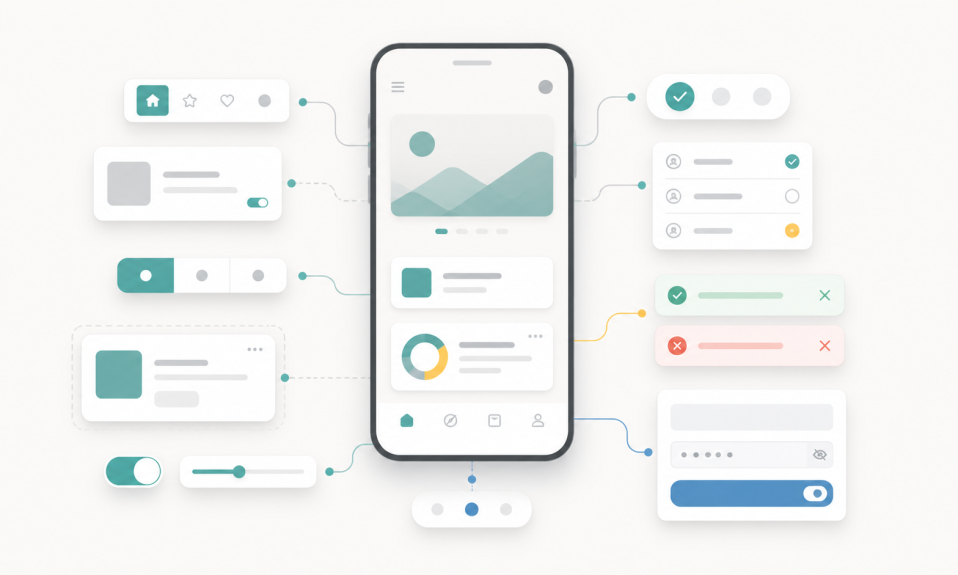

AI UX is moving beyond prompt boxes. Good AI products need control, feedback, trust, and clear user decisions.
For a long time, many AI products had one main interface: a prompt box.
You write something. The AI answers. Maybe you try again.
This was useful at the start. But I do not think this is enough anymore.
AI UX is not only about prompts now. It is about control, feedback, trust, and clear product flows.
The prompt box is only the beginning
A prompt box is flexible. That is good.
But it also hides many things from the user.
What can this AI do? What changed? Can I undo it? Can I choose another version? Can I see why this result happened?
If the product does not answer these questions, the user may feel lost.
Good AI UX needs visible control
When I use an AI product, I do not want only a smart answer. I want to feel that I am still in control.
For me, this means simple things:
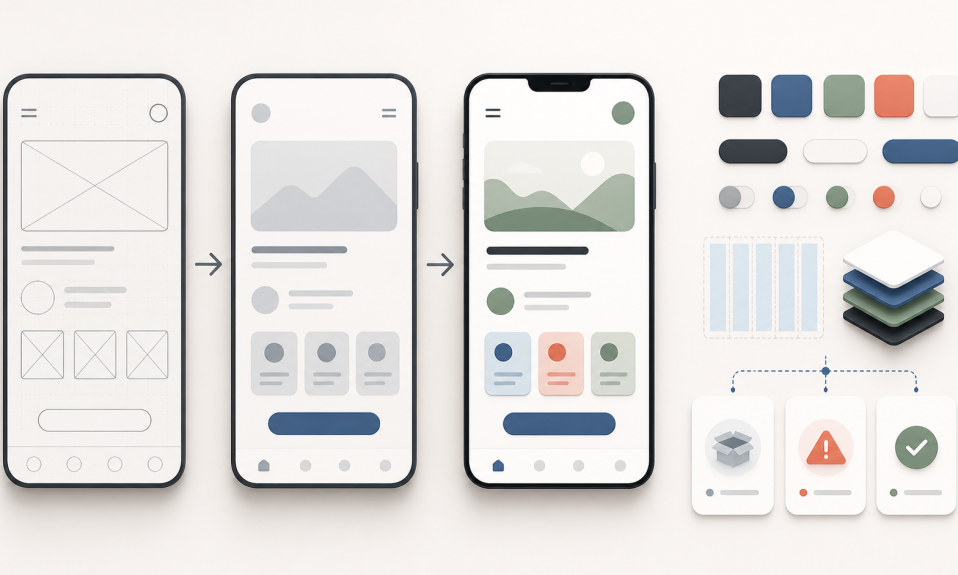
- clear preview before applying a change
- undo and history
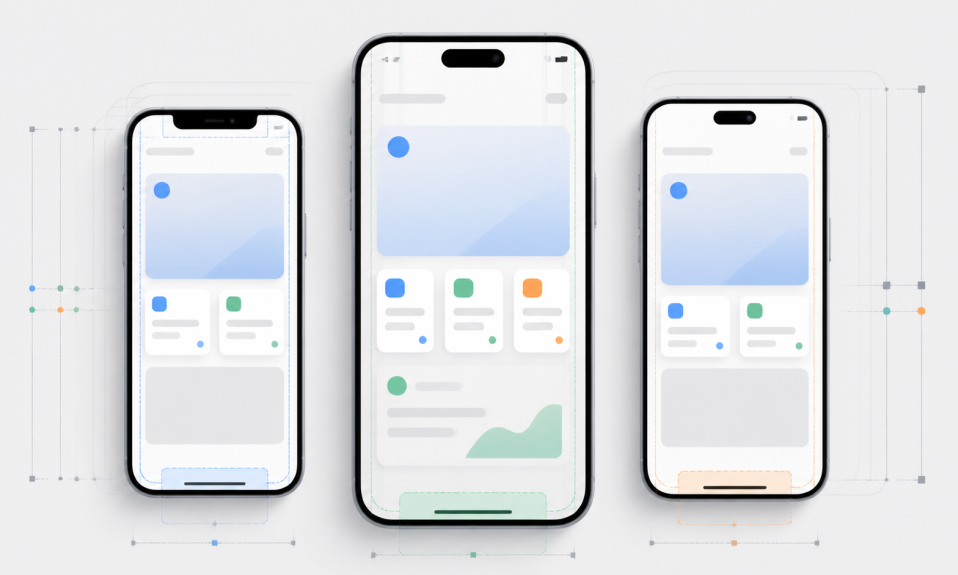
- different versions to compare
- confidence or quality signals
- human approval before important actions
This is where product design becomes very important.
AI can create fast. But the interface should help the user decide well.
Figma and Adobe show the direction
Recent AI design tools are moving in this direction.
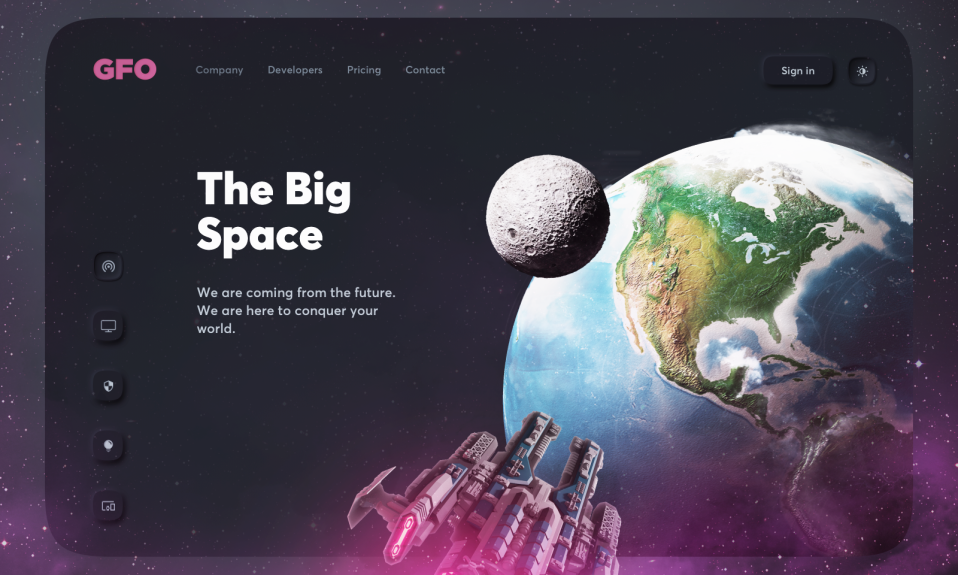
Figma talks about AI that works inside the design workflow, not only as a separate chat box. Figma Make also focuses on generating and editing UI with more direct control.
Adobe Firefly is also moving toward an AI studio with more context, reusable elements, and creative agent features.
This tells me one thing: the next step is not just better prompts. The next step is better product systems around AI.
Designers still matter
AI can make more people create interfaces. I think this is good.
But more output also means more noise.
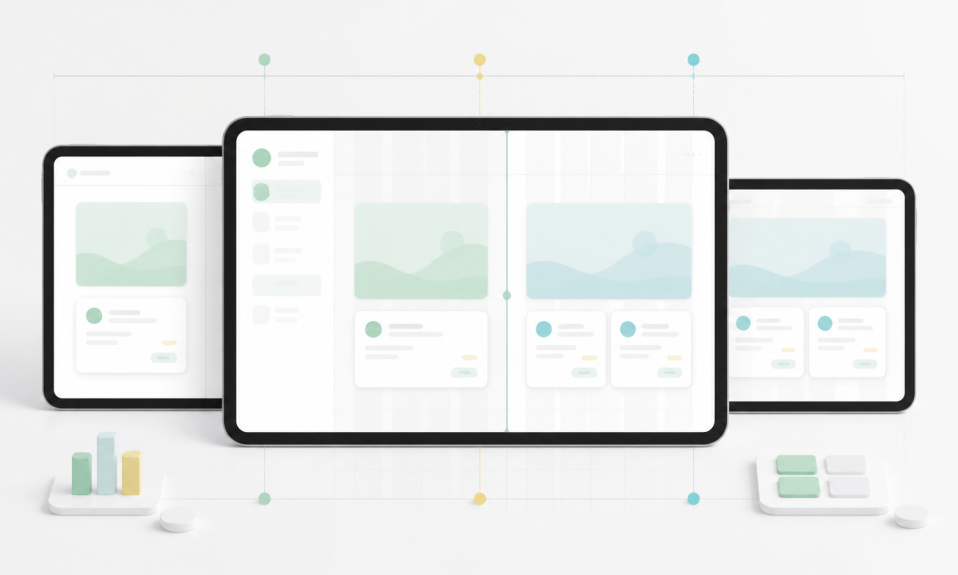
Designers will still need taste, structure, and judgment. We need to decide what should be automated, what should stay manual, and where the user needs more clarity.
This is also why I want to write more about AI and product design on this blog.
My takeaway
If you are designing an AI product, do not stop at the prompt box.
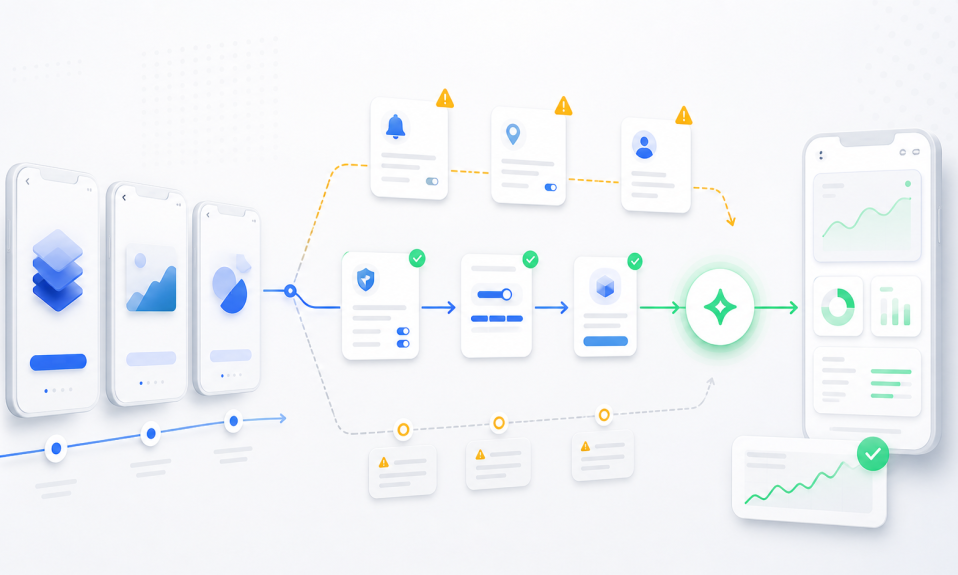
Design the states around it. Design the controls. Design mistakes. Design trust. Design the moment where the user says: yes, this is the result I want.
That is AI UX now.
And if you are a designer, keep showing your work too. Tools can help, but sharing and feedback still build your taste. I wrote about this idea while launching ShotSender, my free Figma plugin for publishing Dribbble shots.