AI can help designers create better UI and design systems, but only when the human prepares the brief, flow, rules, and structure first.
AI design is not only about writing a prompt.
I know prompts are important. But if we only say “make me a dashboard” or “create a modern landing page”, the result will usually be random.
Maybe it looks nice at first. Maybe the colors are good. Maybe the layout feels clean.
But real UI/UX design is not only a nice screen.
It is a system.
A prompt is not a product plan
When we work with AI, it is easy to think that the prompt is the whole job.
But for me, the prompt is only the visible part.
Before the prompt, there should be a clear product idea.
Who is the user? What problem are we solving? What is the main action? What happens when something goes wrong? What should the user trust?
If these questions are not clear, AI will still create something. But it may create a beautiful mess.
This is why I think AI design needs human prep first.
Good preparation makes AI useful
AI can help a lot when the designer gives it structure.
Before asking for screens, I like to prepare simple things:
- product goal
- user flow
- main pages
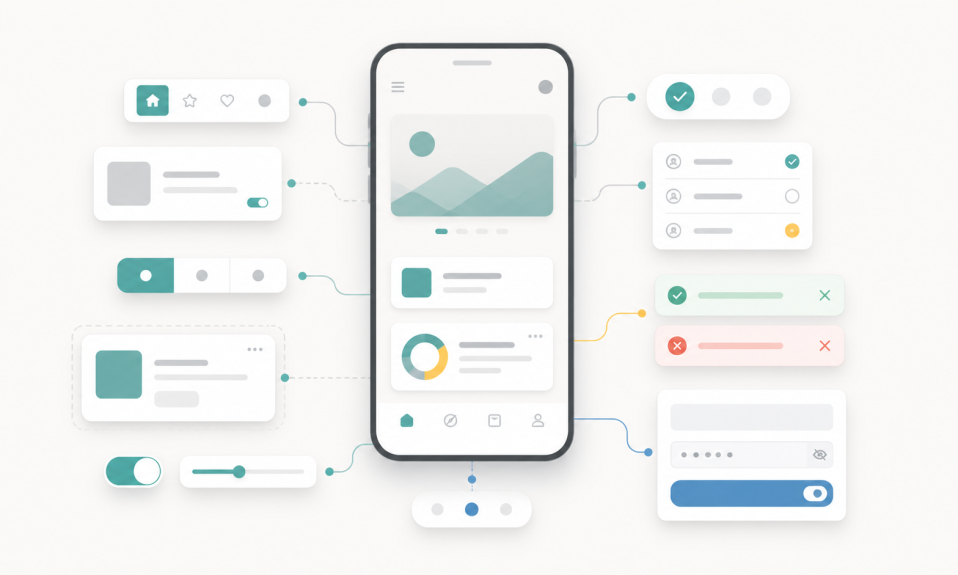
- components
- states
- content tone
- spacing and typography rules
- what AI can decide and what I must decide
This may sound slower.
But it is actually faster.
Because without preparation, we spend time fixing the same problems again and again.
The AI changes the button style. Then it changes spacing. Then it changes the card radius. Then it forgets the previous layout.
At that moment, AI is not helping. It is creating cleanup work.
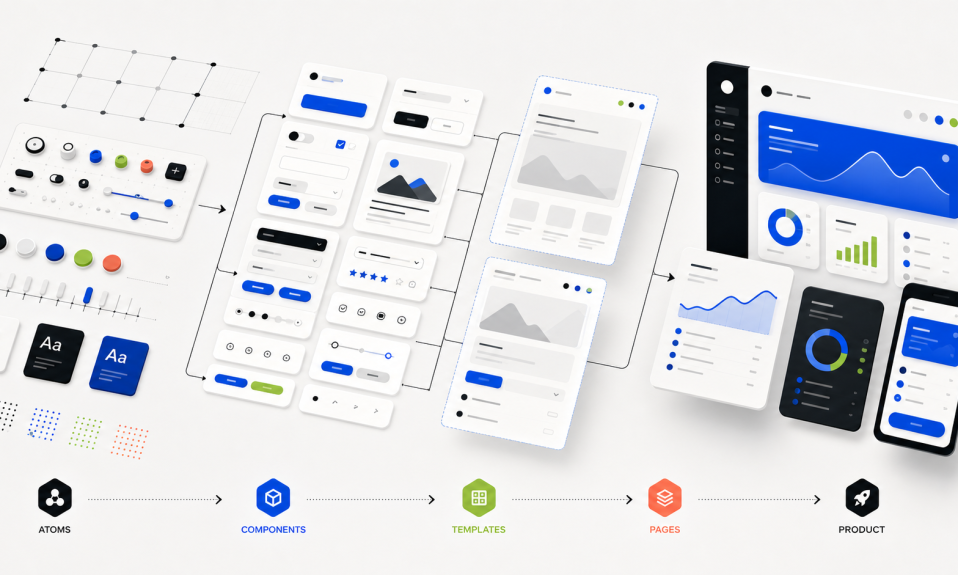
Start with atoms, then grow
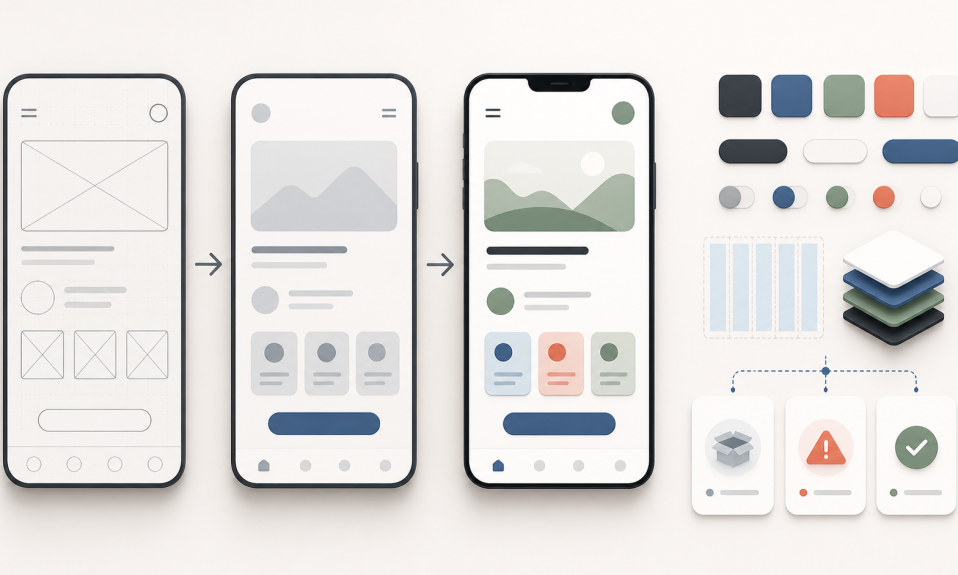
For UI design, I think an atomic approach works very well with AI.
Do not start by asking for the whole product at once.
Start smaller.
First define the basics: colors, type, spacing, buttons, inputs, cards, navigation, icons, and states.
Then move to components.
Then sections.
Then templates.
Then pages.
Then the full product experience.
This step-by-step flow gives AI less room to guess. It also gives the designer more control.
When the foundation is clear, AI can create better variations. It can help with faster exploration, but the output still feels connected to the same product.
Design systems become instructions for AI
A design system is not only a file for designers anymore.
It is becoming an instruction layer for AI tools.
If your design system is clear, AI has something to follow.
If your system is weak, AI will invent its own rules.
That is where problems begin.
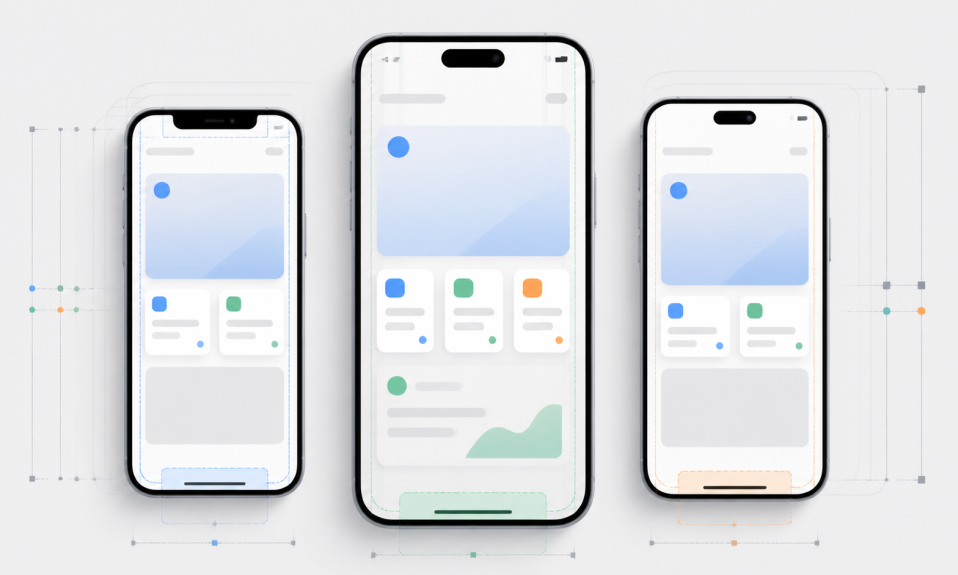
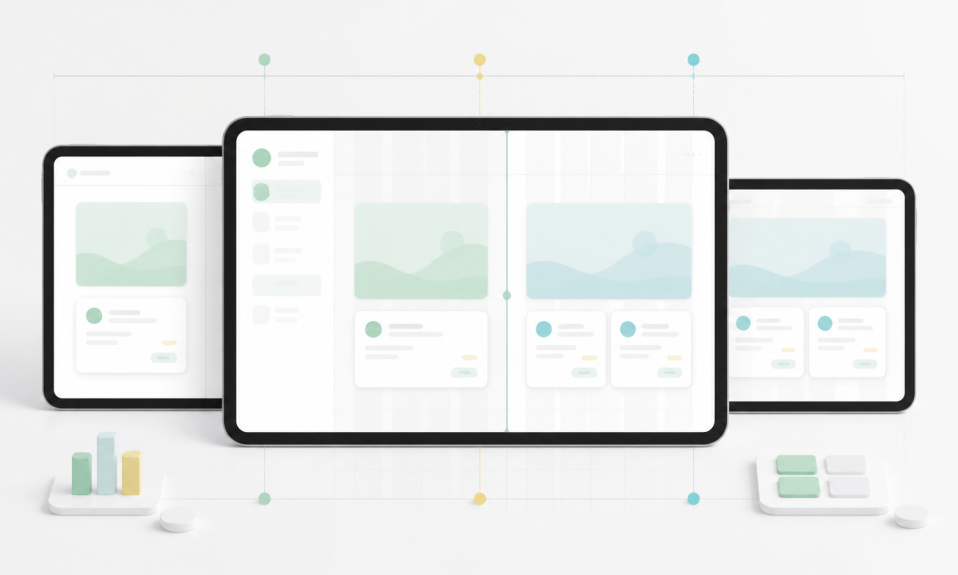
One screen has one style. Another screen has another style. The same component appears in three different ways. The product starts to look fast, but not stable.
This is why I wrote before that AI design needs more than faster screens.
Speed is good. But consistency is better.
The designer is still the editor
AI can create options. But the designer must edit.
The designer decides what is useful, what is too much, what is confusing, and what should be removed.
This is not a small job.
Good product design is often about saying no.
No to extra buttons. No to fake complexity. No to UI that looks nice but does not help the user.
AI can help us move faster, but it should not replace judgment.
I also wrote about this in AI UX Is Not About Prompts Anymore. AI UX is about control, feedback, trust, and clear flows.
My takeaway
If you want better UI design with AI, do not start with a giant prompt.
Start with preparation.
Prepare the goal. Prepare the flow. Prepare the design system basics. Prepare the rules. Then ask AI to help you build step by step.
AI can be very powerful for UI/UX and product design.
But it works best when the human brings structure first.
For me, the future is not “AI will design everything”.
The future is more like this:
Designers who can prepare better systems will get better results from AI.
You can follow more posts in my AI, UI/UX, and Product Design categories.