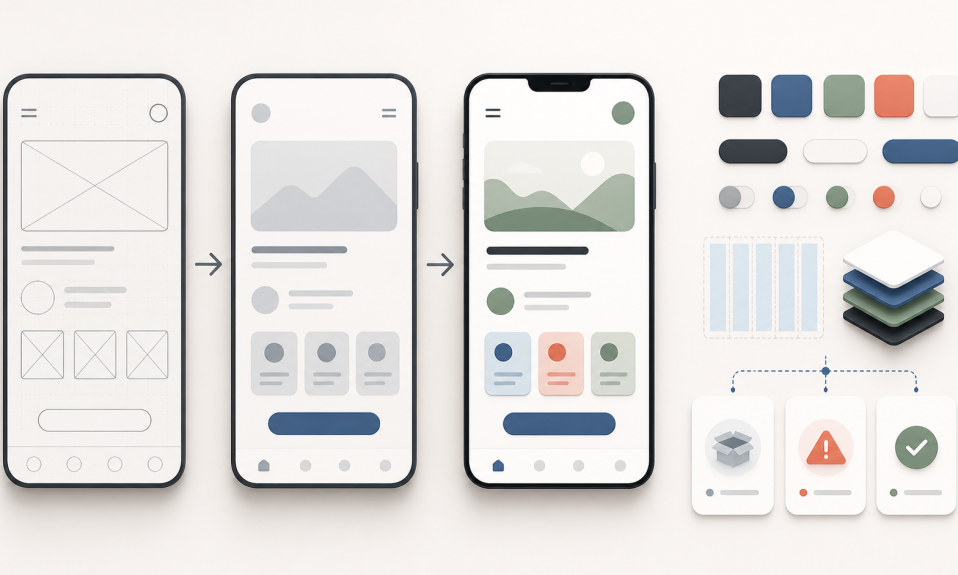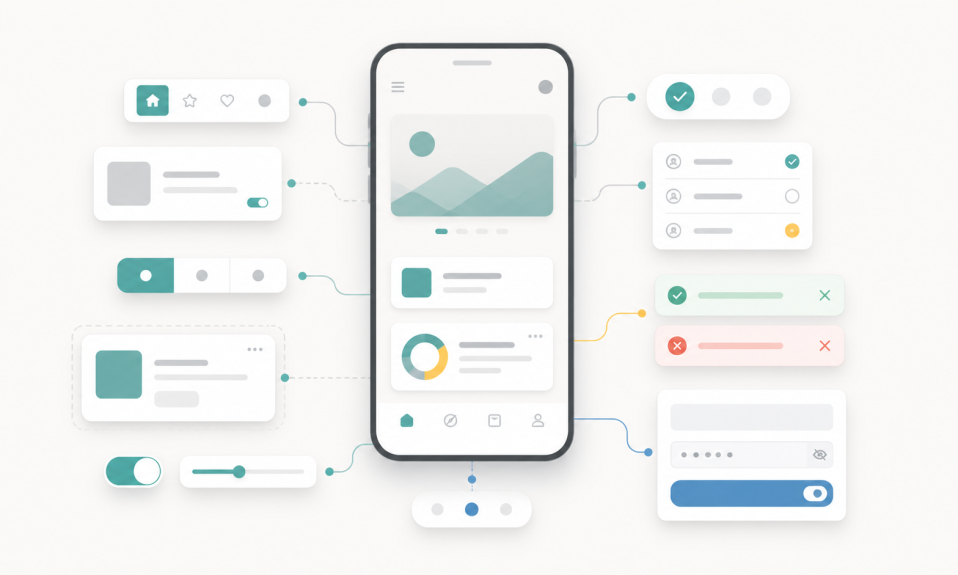

Figma Config 2026 shows that Figma is becoming more than a screen design tool. AI, Code Layers, Motion, shaders, and generative plugins can change how designers work.
Figma Config 2026 feels like a clear message: Figma is not only a place to draw screens anymore.
It is becoming a bigger product workspace.
Design, code, motion, AI agents, shaders, and repeatable workflows are now getting closer inside the same canvas.
For UI/UX and product designers, this is important. Not because every new feature must be used tomorrow. But because the role of the designer is changing again.
What Figma announced at Config 2026
The main updates around Config 2026 include Figma Motion, custom shader effects and fills, Weave tools inside Figma Design, updates to the Figma agent, generative plugins, and Code Layers.
Some of these features are open beta, some are closed beta, and some may depend on plan access. So the important thing is not only “can I use it today?”
The important thing is the direction.
Figma wants the design file to become more active.
Not just static screens. More like a living workspace.
Code Layers may change handoff
Code Layers is one of the most interesting updates for me.
The idea is simple but strong: code can become a layer on the canvas.
This can make designer and developer work closer. A designer can understand how the interface behaves, not only how it looks. A developer can also see the design context better.
I do not think this removes the need for developers or designers. It can remove some weak handoff moments.
The better question is this:
Can the team keep design decisions and code decisions closer?
If yes, this can be very useful.
Motion makes interaction more visible
Figma Motion is also a big step.
For many product teams, motion is still added late. Sometimes it is forgotten. Sometimes it is explained with comments and videos.
But motion is part of UX.
It helps users understand change, feedback, loading, direction, and hierarchy.
If motion becomes easier inside Figma, designers can think about interaction earlier. That is good for product quality.
But again, AI or presets are not enough alone. Motion still needs taste and purpose. A transition should help the user, not only decorate the screen.
Shaders and 3D are not only decoration
Custom shaders, effects, fills, and more visual tools can look like “visual design candy” at first.
But there is a serious side too.
Brands need more flexible visual systems. Product pages, launch visuals, app backgrounds, empty states, and marketing assets all need to move faster.
When these tools stay close to the design file, the designer can explore visual language without leaving the workflow too much.
This can be good for creative speed.
But I still think the same rule applies: if the system is weak, the output becomes random.
Generative plugins and agent skills are about repeatable work
Generative plugins are interesting because they make small custom tools easier to create.
Instead of waiting for a full plugin development process, a designer can ask the Figma agent to build a tool for a specific workflow.
This can be spacing cleanup, layer naming, shader creation, asset generation, or many small team tasks.
Agent skills are also important because they can give AI more context and repeatable instructions.
This is very close to what I wrote before in AI Design Needs Human Prep, Not Just Prompts.
AI works better when it has rules, structure, and context.
Without that, AI can create fast work, but not always good work.
Weave tools bring AI image workflows closer
Weave tools inside Figma Design are also a sign of where things are going.
Designers do not only need one beautiful AI image.
They need repeatable visual operations: background replacement, asset variations, aspect ratio changes, product visuals, and style exploration.
When those workflows are inside the design tool, creative production can become faster.
For growth teams and product teams, this matters too. More experiments can be created without opening five different tools.
My take for designers
Figma Config 2026 is not only a feature list.
It is a signal.
The design tool is moving toward a place where designers can work with code, AI, motion, visual systems, and reusable workflows together.
This can make design faster.
But faster is not automatically better.
The designer still needs to decide:
- what should be designed
- what should be automated
- what should stay simple
- what needs human judgment
- what should become a reusable system
For me, the best designers in this new workflow will not be the ones who only know prompts.
They will be the ones who can prepare systems, judge output, and connect product thinking with AI tools.
You can follow more related posts in my AI, UI/UX, Product Design, Tools, Technology, and Growth categories.