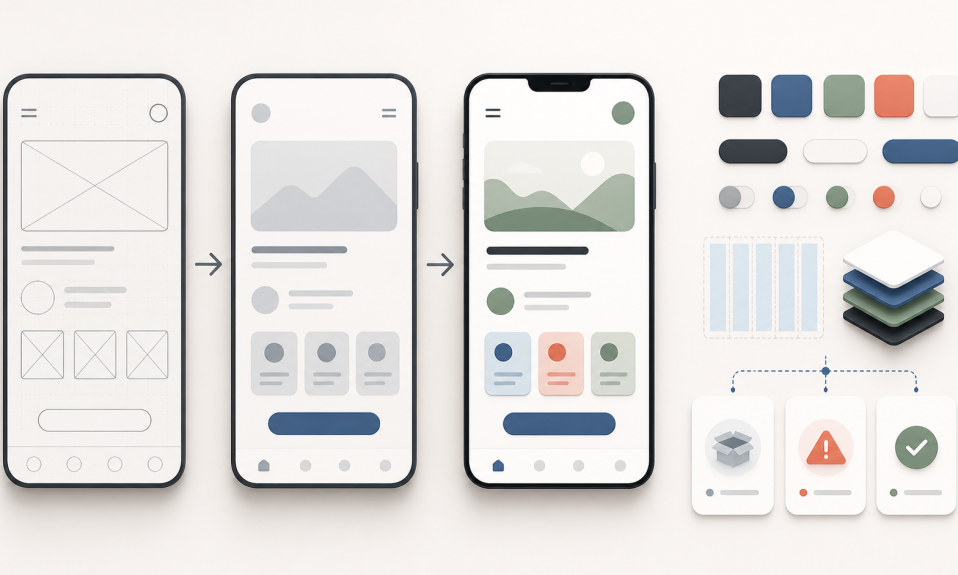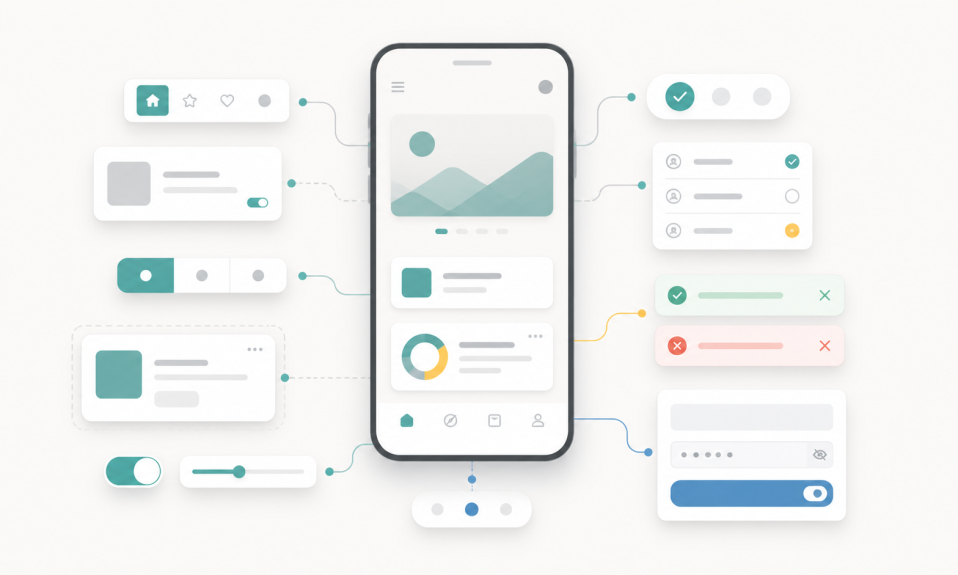

AI makes everyone faster, but speed is not the real design advantage anymore. Designers should focus on judgment, UX clarity, systems, metrics, and better product decisions.
AI is making design work faster.
It can create UI ideas in seconds.
It can write first draft copy.
It can generate layouts, flows, components, and even working prototypes.
This is useful.
But it also changes the question for designers.
The question is no longer only:
Can you make a screen?
The better question is:
Can you decide which screen is worth making?
This is where I think design becomes more important, not less.
Speed is not the real advantage anymore
For a long time, being fast was a strong advantage.
If you could create clean screens quickly, you had value.
That is still useful.
But now many people can become faster with AI.
Product managers can prototype.
Developers can create UI drafts.
Designers can explore more directions in less time.
So speed alone is not enough.
When everyone is faster, the real advantage moves to judgment.
What is clear?
What is useful?
What should be removed?
What is good for the user?
What is good for the product?
These questions are still design work.
AI can generate options, but designers choose direction
AI is good at giving options.
Sometimes too many options.
A landing page.
A dashboard.
A mobile app flow.
A component set.
All of them can look polished at first glance.
But first glance is not product design.
A designer needs to ask:
- Which option solves the real problem?
- Which one makes the user journey simpler?
- Which one fits the business goal?
- Which one can become a system?
- Which one will still work after the happy path?
This is why taste and product thinking matter more now.
AI gives material.
The designer gives direction.
Better prompts are not enough
Prompting is useful.
But better prompts alone do not make better products.
If the problem is not clear, the output will also be weak.
If the user flow is not clear, the UI will only look good.
If the design system is not clear, the screens will become inconsistent.
I see AI as a strong assistant, not a replacement for preparation.
Before asking AI to design something, we still need to know:
- Who is the user?
- What job is the user trying to do?
- What is the main action?
- What should happen if something goes wrong?
- Which components should be reused?
- How will success be measured?
I wrote more about this in AI Design Needs Human Prep, Not Just Prompts.
Designers should protect UX clarity
AI can make a screen more visual.
But it can also add too much.
Too many cards.
Too many buttons.
Too much decoration.
Too many smart ideas that do not help the user.
One important designer role is to protect clarity.
What is the page for?
What should the user do next?
What information is first?
What can wait?
What can be removed?
Good UX often comes from removing noise.
AI can create fast.
Designers should simplify carefully.
Design systems become more important
When AI creates many screens quickly, consistency can break quickly too.
One screen has one button style.
Another screen uses a different spacing.
Cards look similar, but not the same.
States are missing.
Mobile behavior is not clear.
This is why design systems are not boring work.
They are what keep fast work from becoming messy work.
A designer should think in tokens, components, states, and patterns.
Not only single screens.
If AI helps you create faster, your system thinking needs to become stronger.
For a simple start, I wrote Design Systems for Beginners.
Metrics help designers talk about value
Product design is not only about visual quality.
It is also about product effect.
Did users complete the task?
Did they make fewer mistakes?
Did the flow become shorter?
Did more users activate?
Did retention improve?
AI can create screens, but designers need to connect screens with outcomes.
This does not mean every designer must become a data scientist.
But designers should understand basic UX metrics.
Task success.
Completion rate.
Error rate.
Conversion.
Retention.
These ideas help design decisions become stronger.
I covered this in Product Designer Olmak İsteyenler İçin UX Metrics Neden Önemli?.
Collaboration is changing too
AI does not only change personal speed.
It also changes teamwork.
More people can now create drafts.
A PM can bring a prototype.
A developer can suggest UI.
A designer can test a coded idea.
This can be good.
But it can also create confusion if teams do not share the same product direction.
Designers can help here.
They can make the problem visible.
They can put options side by side.
They can explain trade-offs.
They can connect user needs, business goals, and interface decisions.
In the AI era, designers should not hide inside the canvas.
They should make the canvas a place for better decisions.
What junior designers should learn
If you are a junior designer, AI can help you learn faster.
But do not skip the basics.
Learn layout.
Learn typography.
Learn spacing.
Learn user flows.
Learn forms, empty states, error states, and responsive behavior.
Learn how to explain your decisions.
Use AI to explore, but do not let AI think for you.
A strong junior designer is not the person who has the most AI-generated screens.
A strong junior designer is the person who can explain why one direction is better than another.
That is a career skill.
For junior designers, this post can also help: Junior UI/UX Tasarımcılar 2026’da Nasıl Öne Çıkar?.
My take
AI makes execution cheaper.
But product decisions are still expensive.
A wrong direction can waste time.
A confusing flow can lose users.
A weak system can slow the team later.
A beautiful screen can still be the wrong product choice.
So I do not think designers should fight AI speed.
They should use it.
But they should not compete only on speed.
They should become better at judgment.
Better at UX clarity.
Better at systems.
Better at metrics.
Better at collaboration.
When AI makes everyone faster, designers should help teams make better decisions.
That is the real value.
More posts about this topic are in AI, Product Design, UI/UX, and Growth.